Number Verification
Number Verification API
The Number Verification endpoint verifies that a user actually owns an MTN phone number. This happens in two steps:
- Initiate (Generates a verification URL for the user)
- Direct Verify (Instantly verifies numbers that completed the flow recently)
1. Initiate Verification Flow
Generates a secure proxy URL to send to the user's mobile device via SMS, WhatsApp, or WebView. The user must disconnect from WiFi and use their MTN cellular data to access this link.
POST: https://api.creditchek.africa/v1/telco/v1/ng/mtn/number-verification/initiate
Request Parameters
| Name | Position | Required | Description |
|---|---|---|---|
| token | Header | True | app secret |
curl --location 'https://api.creditchek.africa/v1/telco/v1/ng/mtn/number-verification/initiate' \
--header 'token: {{token}}'
Sample Response
{
  "status": true,
  "data": {
    "authorizationUrl": "https://verify.creditchek.africa/authorize?state=<state_token>",
    "instructions": "User must access this URL using MTN mobile data (not WiFi)"
  },
  "message": "Authorization URL generated successfully",
  "error": false
}
Send the authorizationUrl to the user's mobile device via SMS, WhatsApp, or natively open it in your mobile app WebView. The user must disconnect from WiFi and use their MTN cellular data.
Web Flow User Interface
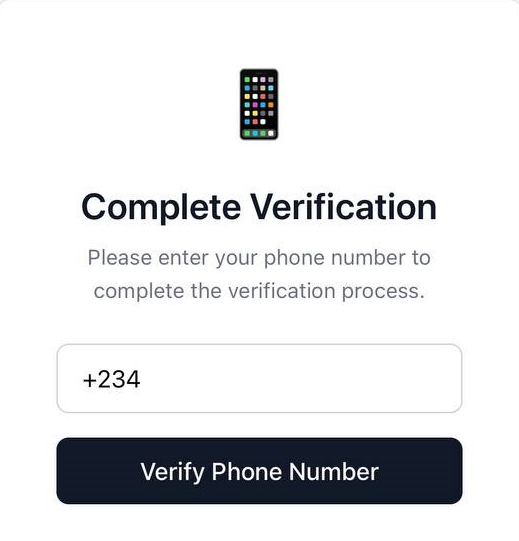
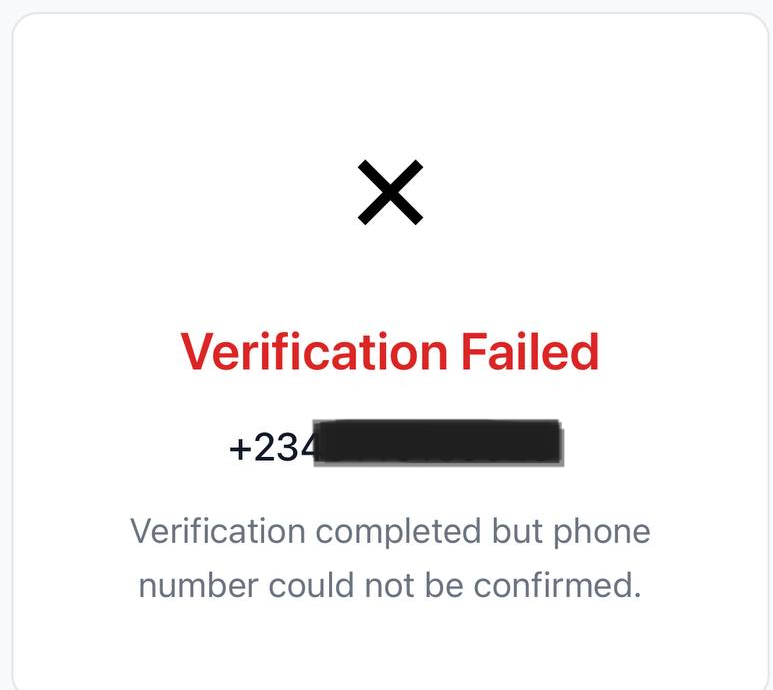
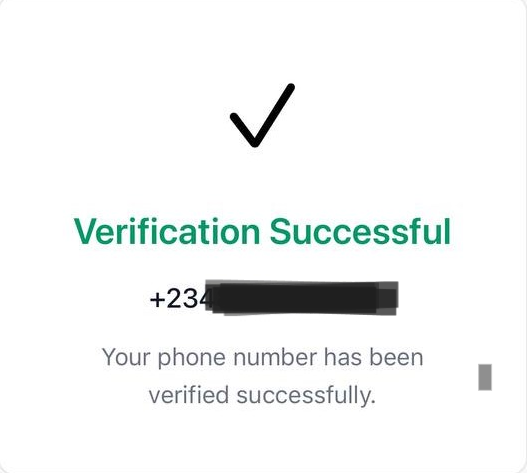
When the user opens the authorizationUrl on their device, they will go through the verification prompt and receive a success or failure screen:
2. Direct API Verification
Once a user has completed the Web Flow, you can use this endpoint to instantly verify their number again without requiring user interaction.
POST: https://api.creditchek.africa/v1/telco/v1/ng/mtn/number-verification/verify
Request Parameters
| Name | Position | Required | Description |
|---|---|---|---|
| token | Header | True | app secret |
| phoneNumber | Body | True | Phone number to verify (e.g., +2347062021000) |
{
  "phoneNumber": "+2347062021000"
}
Sample Response
Success response when the number is verified
{
  "status": true,
  "data": {
    "phoneNumber": "+2347062021000",
    "verified": true
  },
  "message": "Verification completed",
  "error": false
}
Error Responses
| Status Code | Meaning | Action Needed |
|---|---|---|
| 404 | Token Not Found | No saved token found. Instruct user to complete the POST /initiate Web Flow. |
| 401 | Token Expired | Network Token has expired. Instruct user to complete the POST /initiate Web Flow again. |